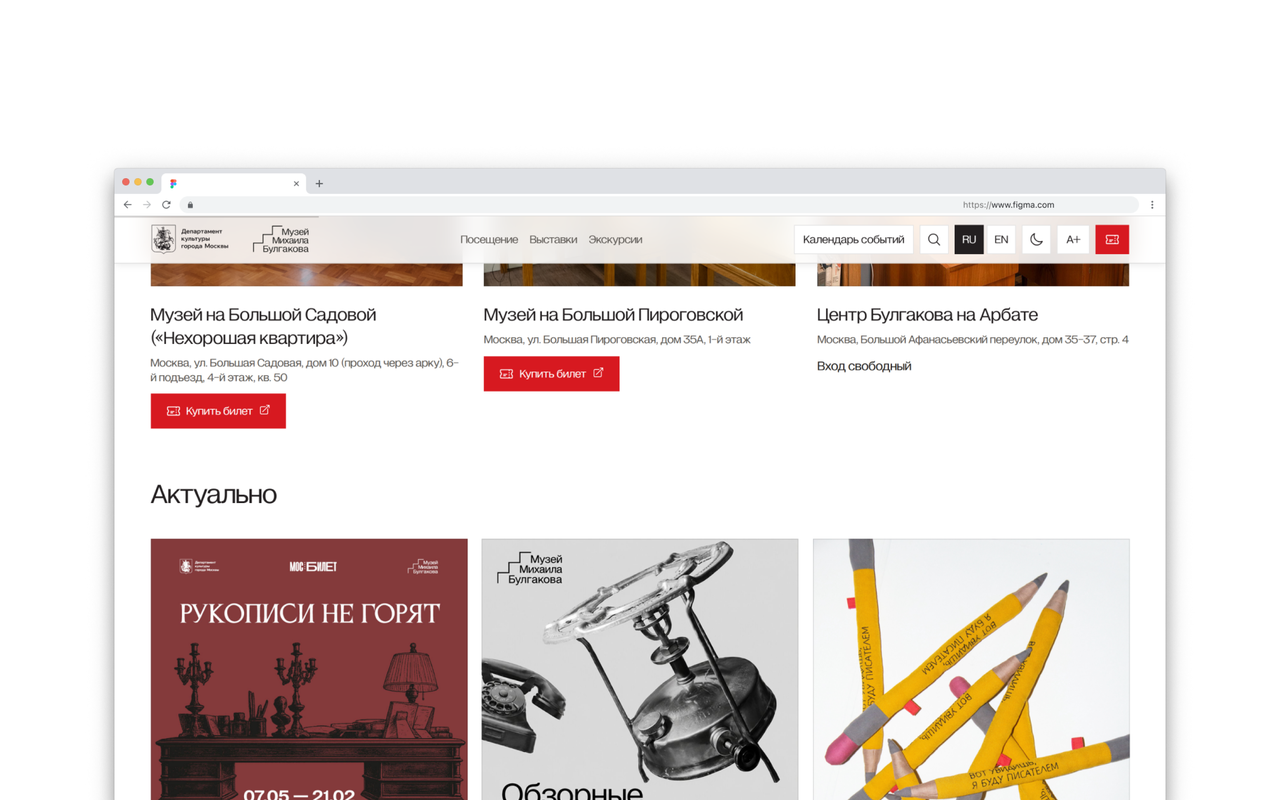
The journey starts with choosing an event
Visitors open the museum website to find a programme that interests them, choose a date and plan their visit. We therefore built the page around a clear next step: find an event, understand how to attend, then buy a ticket or book a tour.
One calendar for different formats
The museum runs three venues of its own, walking tours and partner events, as well as panel exhibitions and joint projects. Visitors can filter the programme by date, venue and category without first figuring out which section an event belongs to.
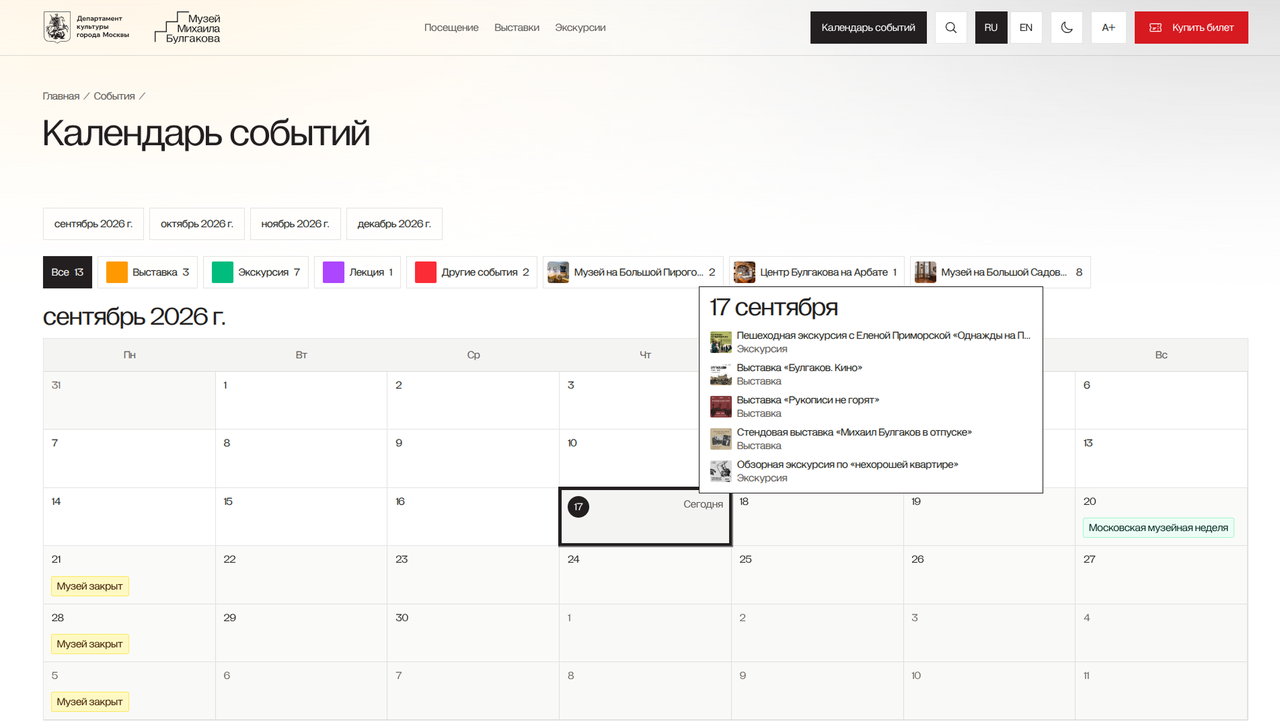
What visitors see before buying a ticket
- The time, address and way to attend the event.
- A link to buy a ticket or book a tour.
- A separate group booking form.
The museum team manages its own programme
A team member adds a description, links the event to its venue and publishes changes. The schedule can account for opening days and venue closures, while tours and exhibitions retain their own details within the shared calendar. Once published, the system updates the public pages.
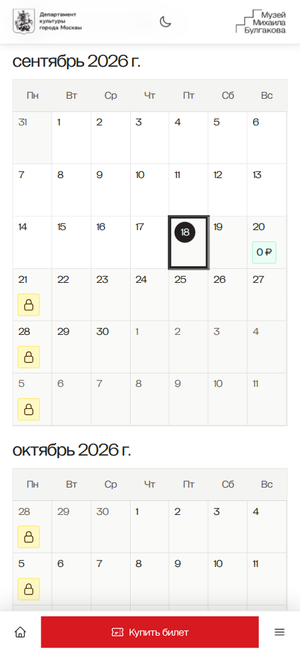
Accessibility settings are part of the main journey
Visitors can enlarge text, adjust contrast and images, and choose a light or dark theme. Main actions work from the keyboard, and pages remain usable when zoomed in.