Mikhail Bulgakov Museum
The Mikhail Bulgakov Museum website helps visitors quickly find events and plan a visit, while its small team keeps the detailed programme up to date.
- Client
- Mikhail Bulgakov Museum
- Site
- bulgakovmuseum.ru
Respect visitors’ time before they reach the museum
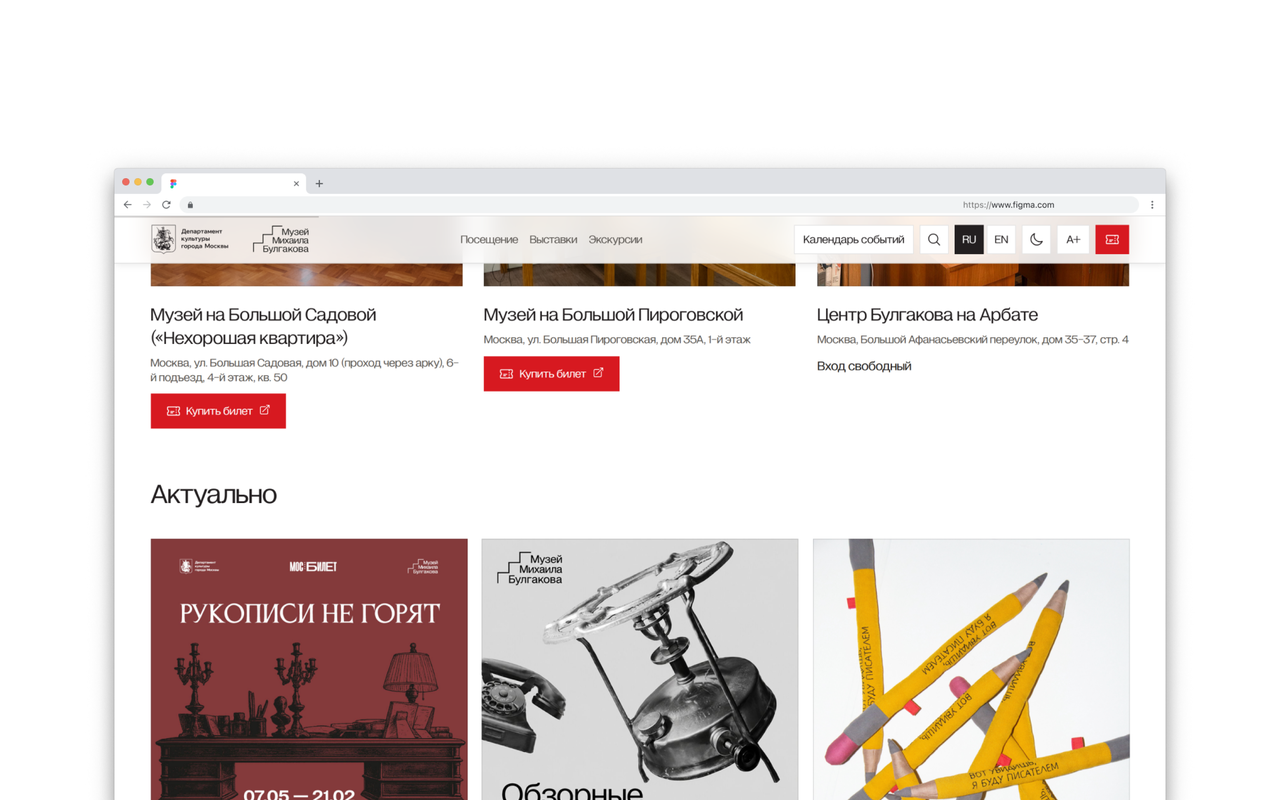
Visitors open the website to choose an event, find a suitable date and buy a ticket. We built the Mikhail Bulgakov Museum website around this journey, respecting their time. Clear information for planning a visit helps earn trust before they first arrive.
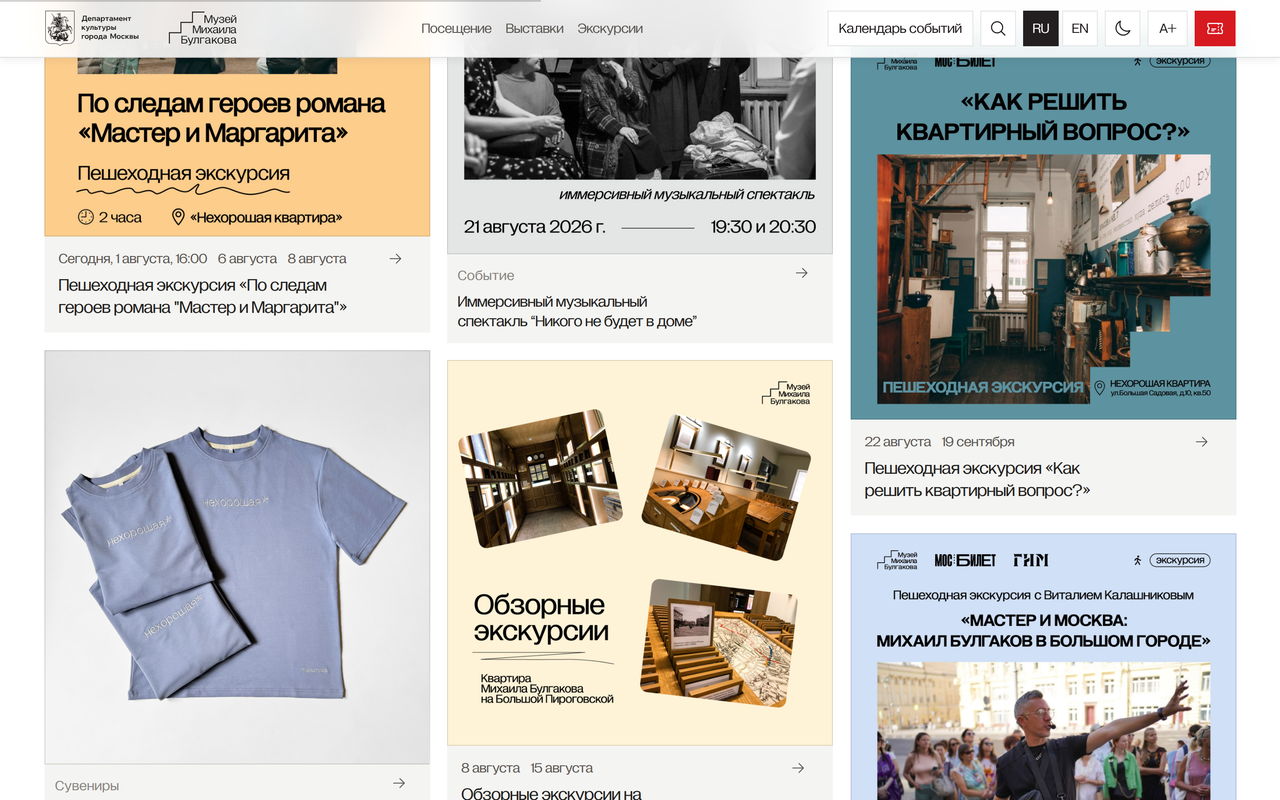
The entire museum programme in one events calendar
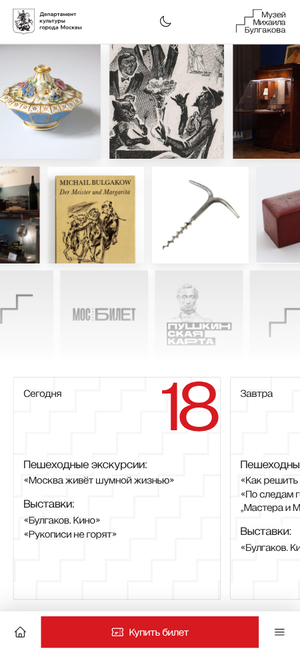
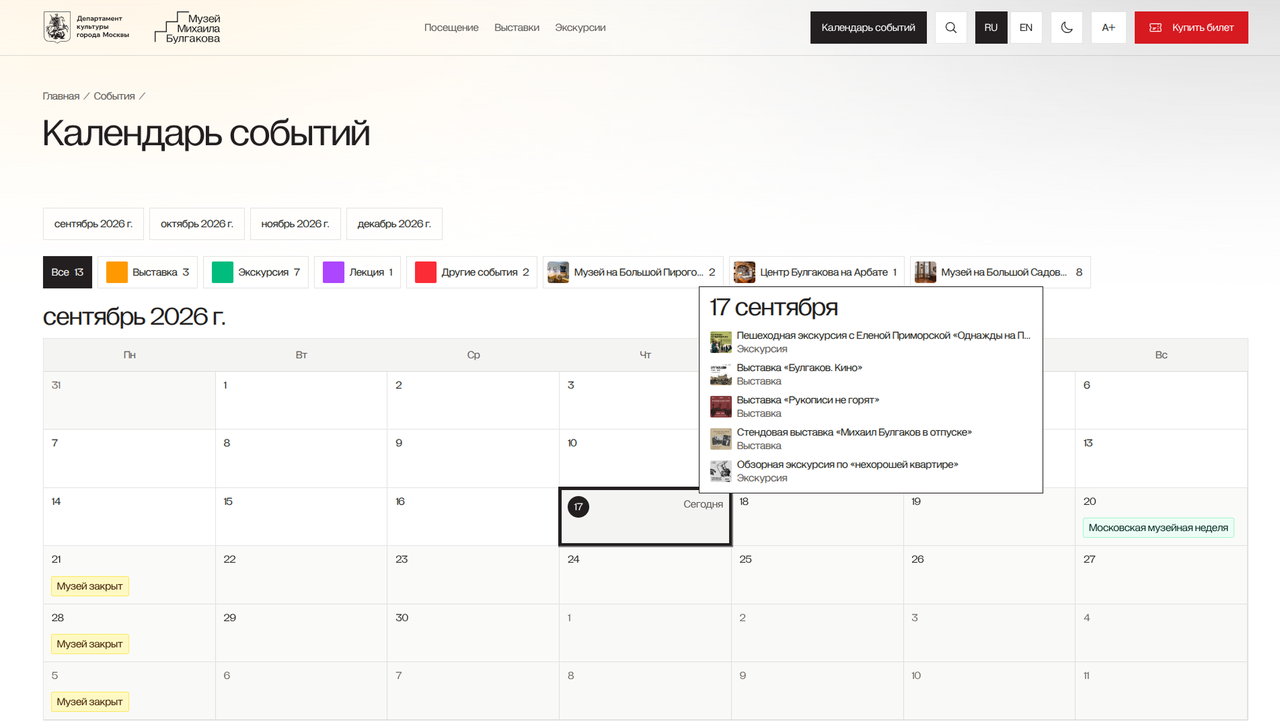
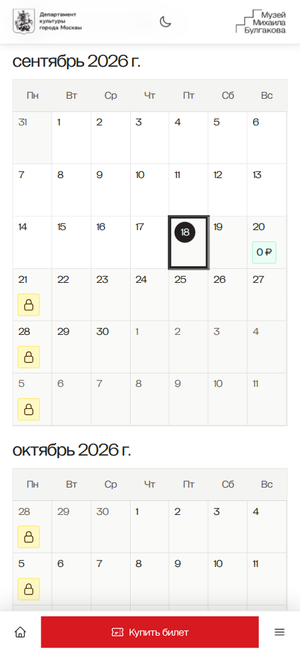
The museum operates at three of its own venues, runs walking tours and partner events, and organises panel exhibitions and joint projects. Filters by date, venue and category help visitors find something of interest among this varied programme.
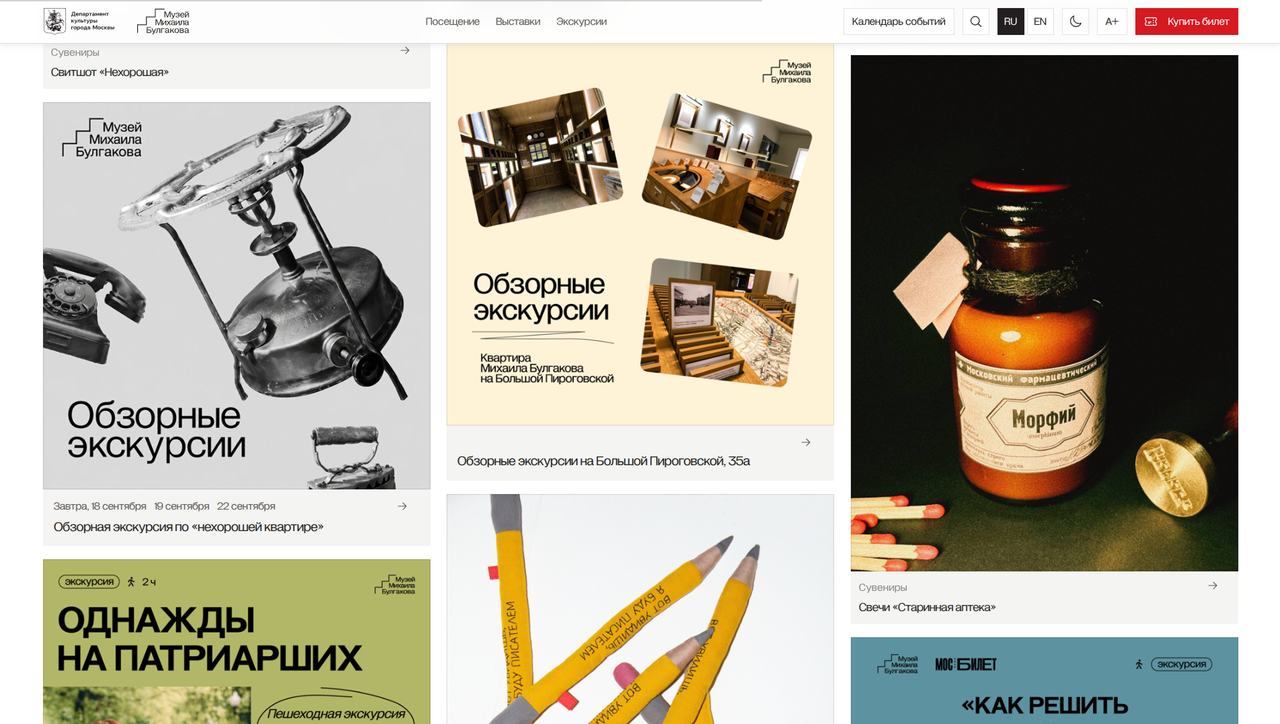
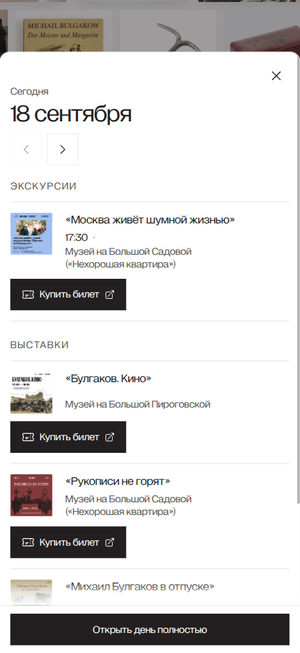
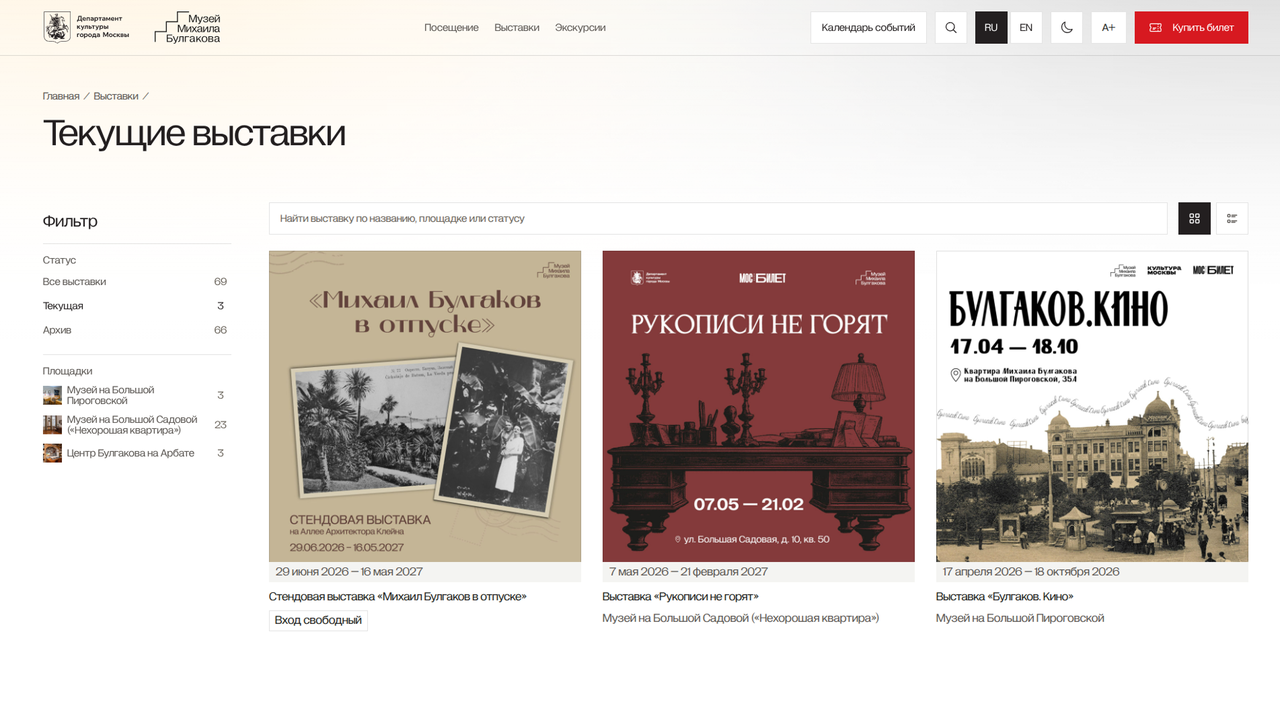
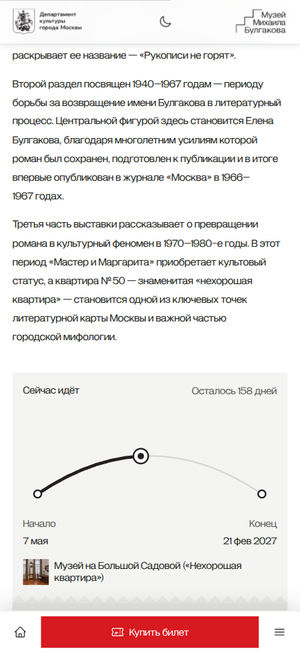
From choosing an event to attending it
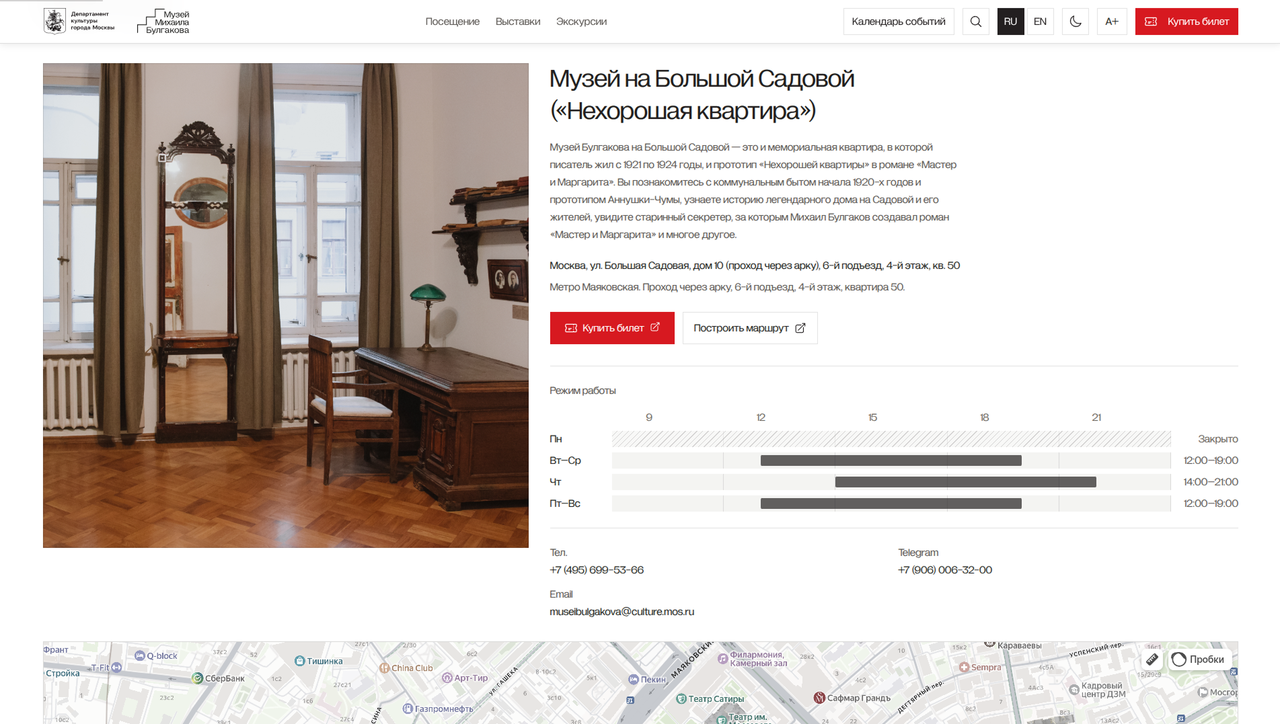
Each event page brings together the time, address and ways to attend, with a path to ticket purchase or tour registration. Groups have a separate enquiry form. On a phone, these details remain close at hand when someone is already on their way to the museum.
Adjust the page to your needs
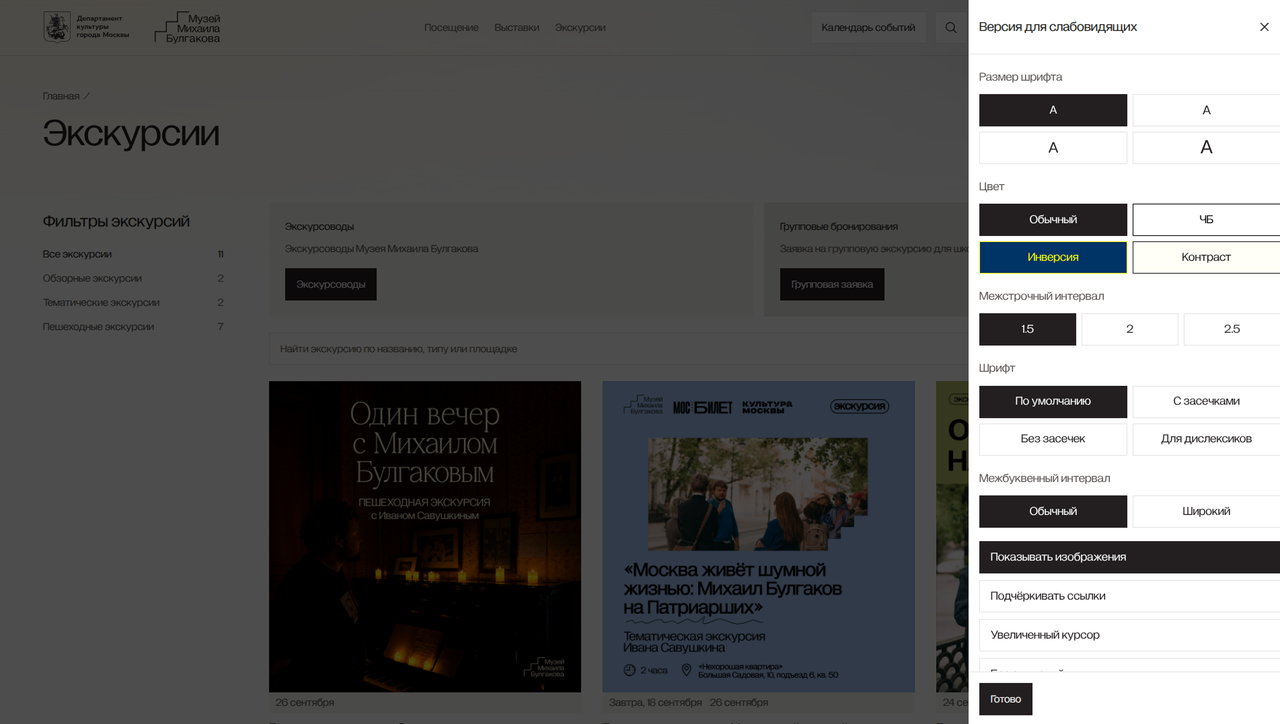
Visitors can enlarge text, adjust contrast and images, and choose a light or dark theme. Key actions work with a keyboard, and pages remain usable when zoomed in. The main public sections are available in Russian and English.
Keep exploring after choosing an event
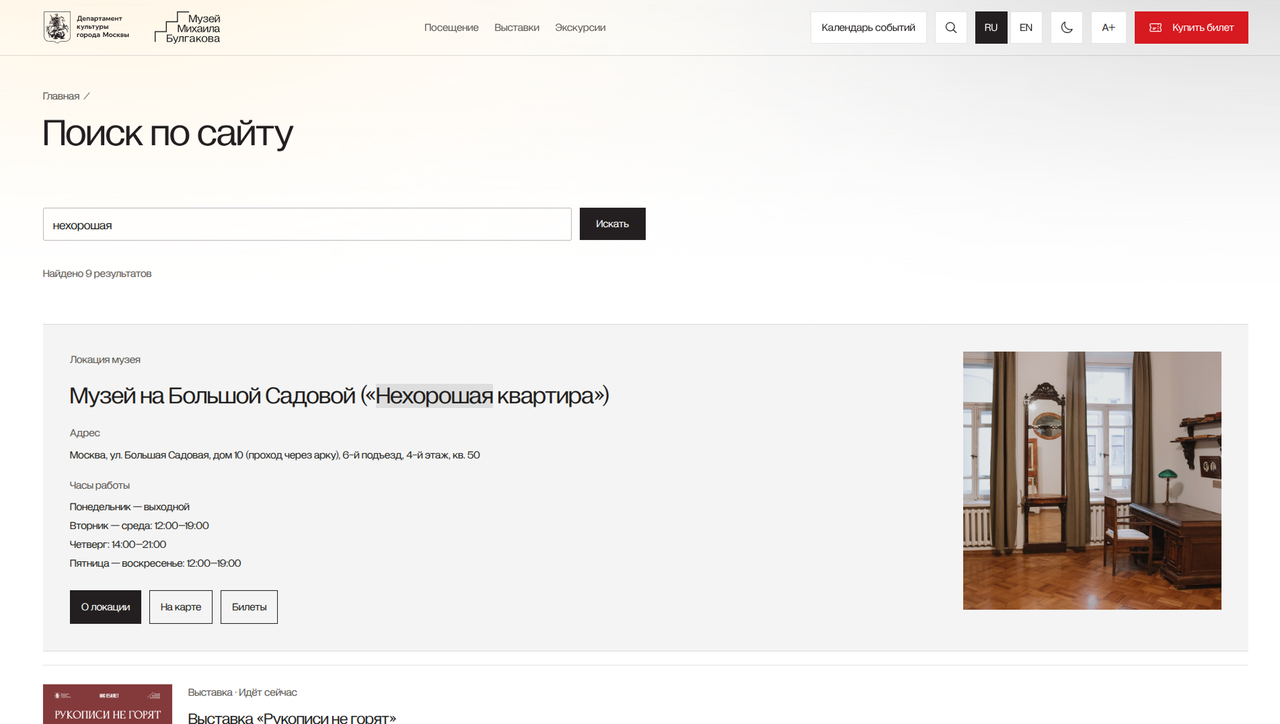
The website brings together materials about exhibitions and venues, official documents and information about the institution. We gave this content a shared structure and search so visitors can return to a subject and learn more about the museum.
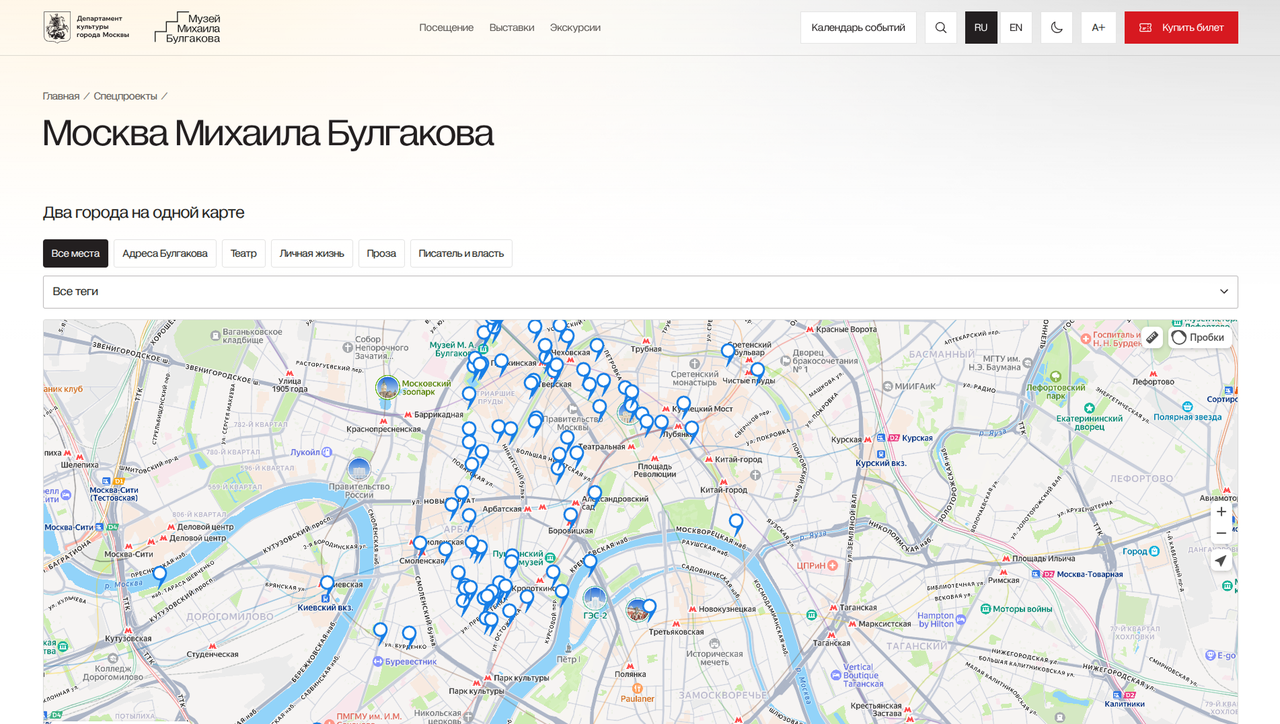
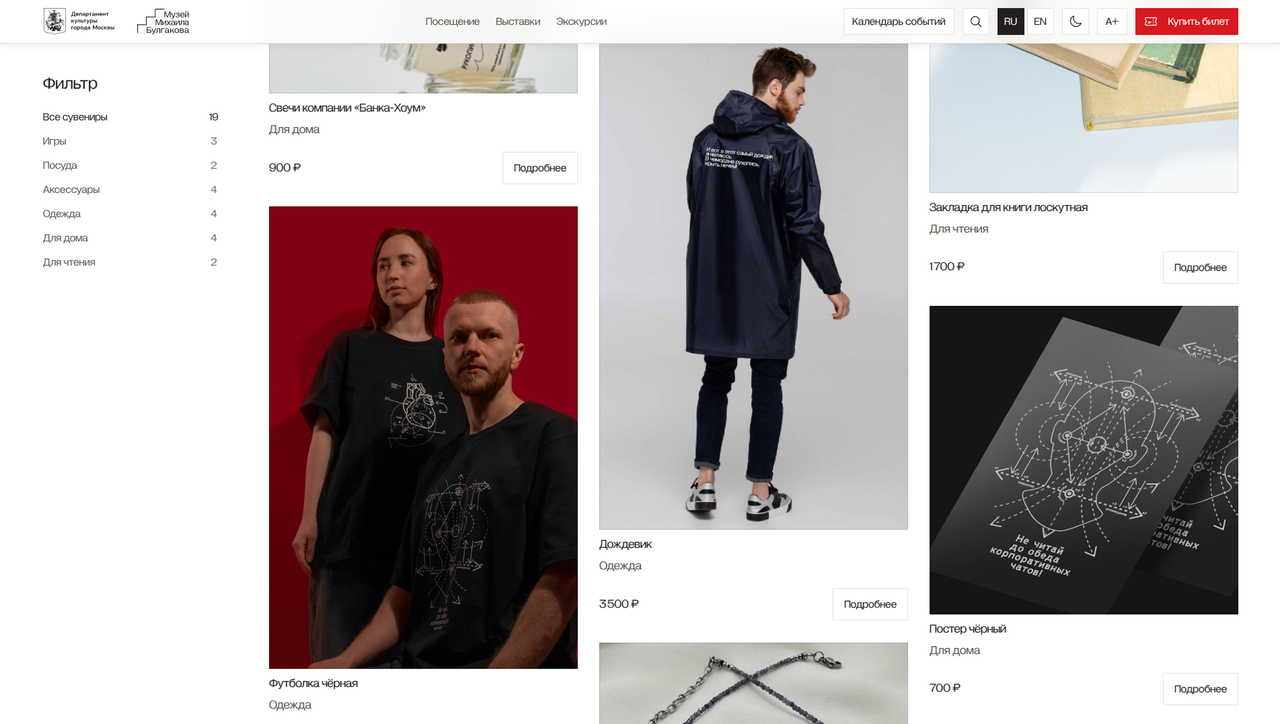
A small museum team needs accessible tools to preserve the variety of its content and regularly announce new events.
An up-to-date programme depends on easy updates
Staff manage the programme themselves
We organised the admin panel around day-to-day work with events and content. A staff member adds a description, links it to a venue and publishes changes. This workflow helps a small team use the website in its daily work.
The schedule keeps the events calendar accurate
In the editor, staff maintain schedules and account for open and closed days, so visitors see the programme for the chosen date. Walking tours and exhibitions retain their distinct features within the shared calendar, and publication updates the public pages.
Prepare the website for surges of interest
After announcements, many visitors open the museum programme at once. Public pages are prepared in advance, while cloud computing handles publishing changes and processing forms. This setup is designed for traffic spikes and low running costs.
We used that monthly cloud budget as a guide when choosing the website architecture.
The running cost target is ten to twenty cups of coffee a month
How we build museum websites
- 01Get to know the museum
- 02Design the website
- 03Build and populate
- 04Hand over to the editor